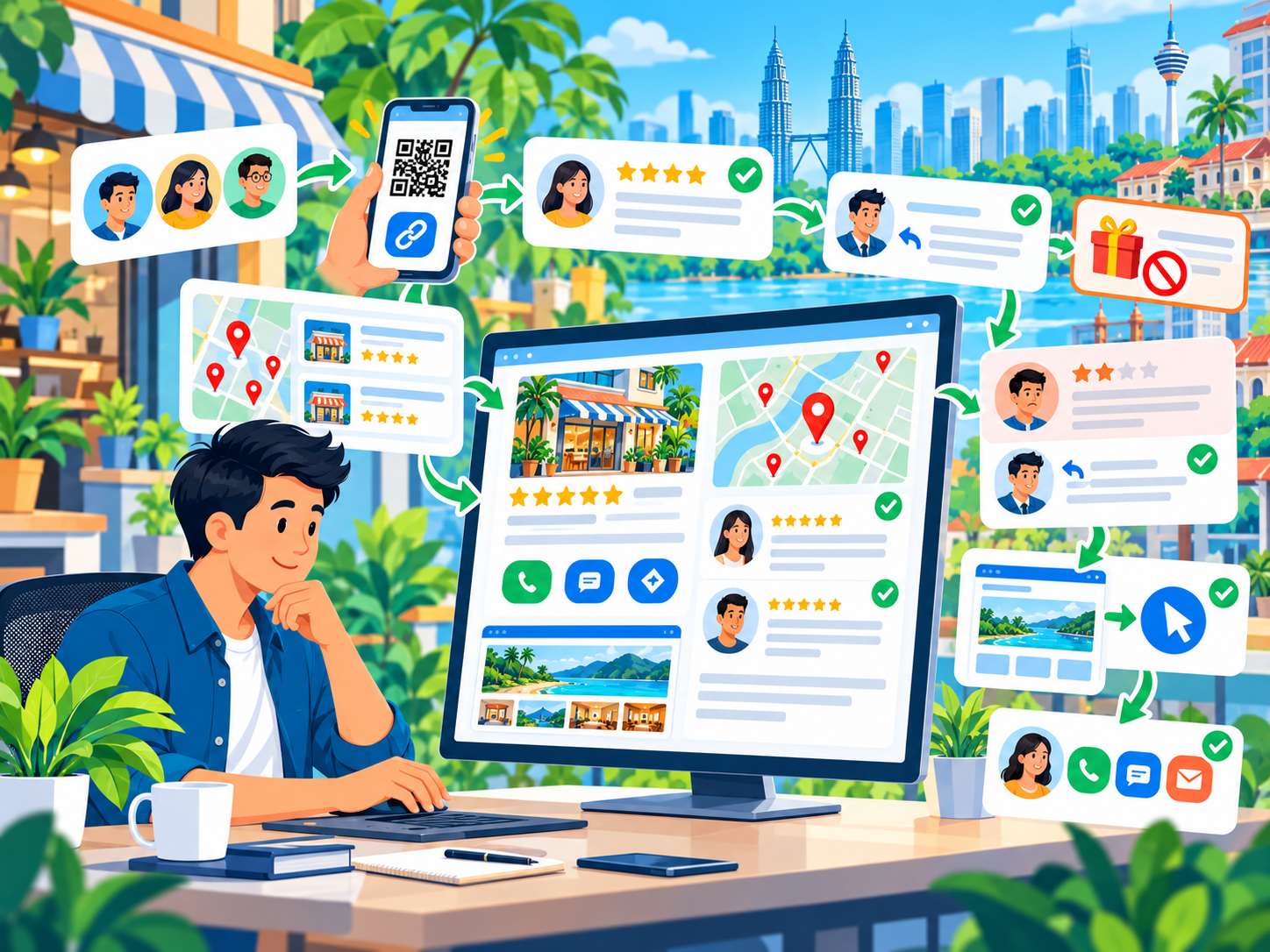
Website Guide
Hotel Website Malaysia: What Should It Include for Direct Bookings, SEO & Enquiries?
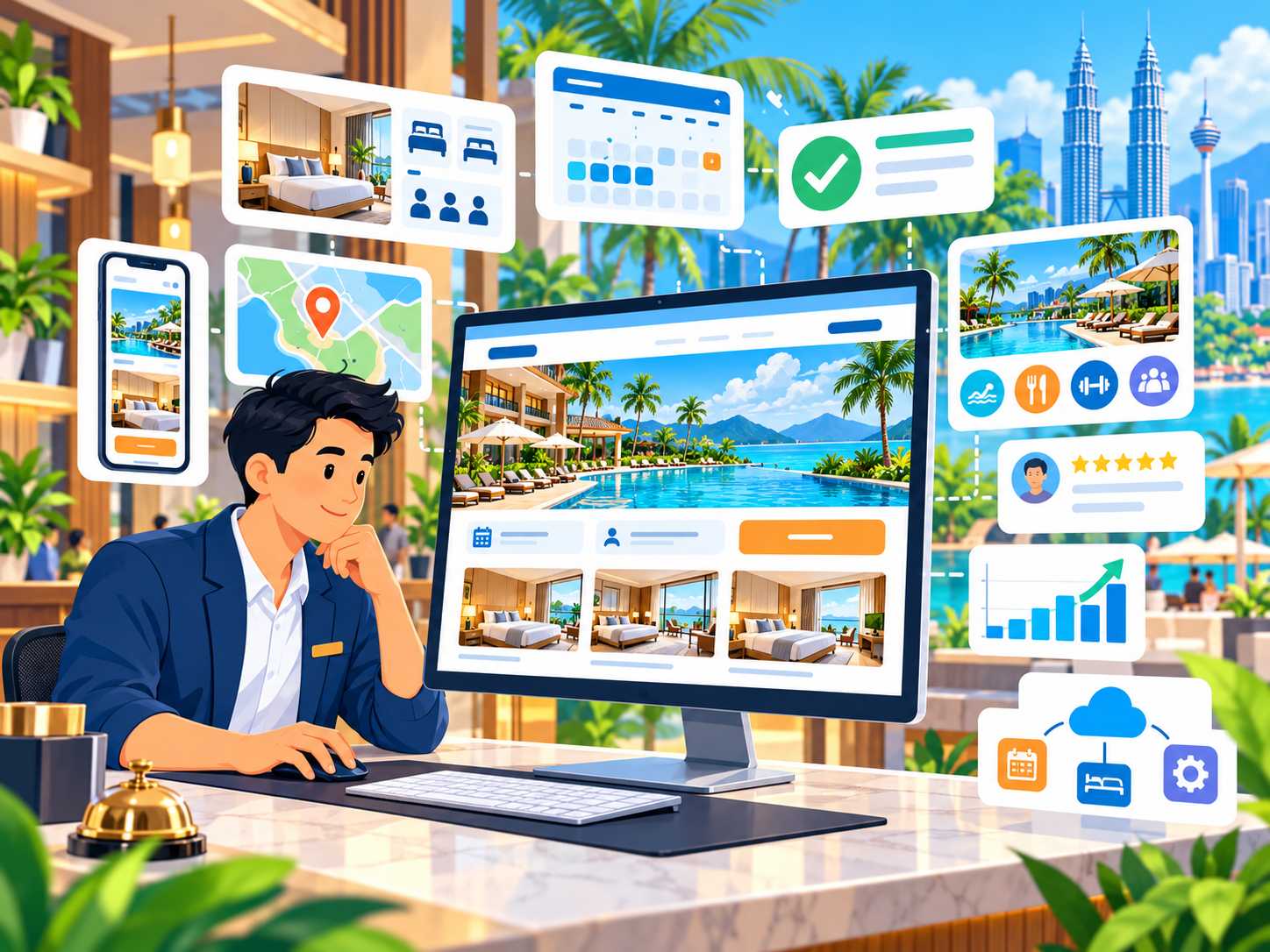
A hotel website has a much bigger job than simply displaying room photos and the hotel's address.
Someone choosing accommodation will normally want to answer several questions before making a reservation:
- Where exactly is the hotel located?
- What room types are available?
- How many guests can stay in each room?
- What facilities and amenities are provided?
- Is breakfast included?
- Is parking available?
- How much will the room cost for my dates?
- Is the room still available?
- What is the cancellation policy?
- Can I book directly through the hotel website?
- Is the hotel suitable for families, business travellers or events?
If the website does not answer these questions clearly, a potential guest may return to an OTA, Google, social media or another hotel's website to continue their research.
This is why a hotel website in Malaysia should be designed around the complete guest journey — from discovery and comparison to room selection, availability, trust and booking.
This guide explains what a hotel website should include, covering room pages, rates, booking engines, PMS, channel managers, mobile experience, direct bookings, Local SEO, Google Maps, reviews, facilities, content, analytics and the information a hotel should prepare before requesting a website quotation.
Quick Answer: What Should a Hotel Website in Malaysia Include?
For many hotels, a useful website should consider:
- A homepage that clearly explains the hotel and its location.
- Detailed room-type pages.
- Real hotel and room photography.
- Facilities and amenities.
- Location and nearby attractions.
- Rates or a clear way to check prices.
- Availability.
- A clear booking CTA.
- A booking engine or reservation-enquiry flow.
- A mobile-friendly booking journey.
- Hotel policies.
- Reviews or other genuine trust signals.
- Google Maps.
- Local SEO.
- Fast-loading pages.
- Analytics and conversion tracking.
Hotels with more complex operations may also require:
- PMS integration.
- A channel manager.
- Payment gateway integration.
- Promo codes.
- Corporate booking enquiries.
- Meeting and event pages.
- Wedding enquiries.
- Dining or spa pages.
- Multilingual content.
- Support for multiple properties.
Not every hotel needs all of these features from day one.
The website should reflect the size of the property, the current booking system, the guest journey and the hotel's real operational process.
A Hotel Website Is Different from a General Tourism or Homestay Website
Hotels, homestays and tourism businesses share some common website requirements, including:
- Photography.
- Location information.
- Google Maps.
- Mobile usability.
- Reviews.
- Booking or enquiry options.
However, hotels often have a more structured accommodation and reservation model.
This may include:
- Multiple room types.
- Different occupancy limits.
- Rates that vary according to dates or room categories.
- Availability.
- Room inventory.
- A booking engine.
- A PMS.
- A channel manager.
- Facilities such as restaurants, gyms, swimming pools or spas.
- Meeting and event facilities.
- Corporate bookings.
If you operate a homestay, tour company or broader tourism business, also see our Website for Tourism & Homestay Businesses in Malaysia guide.
This article focuses specifically on hotels and accommodation properties with a more formal room structure and booking journey.
Hotel Website vs OTA: Does a Hotel Still Need Its Own Website?
An OTA, or Online Travel Agency, can help a hotel gain visibility and reservations.
These platforms allow travellers to search, compare and book accommodation across many properties.
A hotel's own website does not necessarily need to replace OTAs.
The two channels can serve different purposes.
| Area | OTA | Hotel's Own Website |
|---|---|---|
| Discovery | Already has an established audience | Visibility needs to be built through brand, search and marketing |
| Brand presentation | Uses the platform's standard format | The hotel has more control over presentation |
| Room information | Displayed according to the OTA structure | Can be explained in greater depth |
| Destination content | Usually limited | Can be developed to support SEO and guest planning |
| Booking journey | Controlled by the platform | Can connect with the hotel's chosen booking system |
| Direct enquiries | Depends on the platform | Can use forms, phone or WhatsApp |
| Customer relationship | Occurs within the platform ecosystem | Provides a direct branded touchpoint |
For many hotels, the more practical strategy is not:
OTA or hotel website.
It is:
OTA + Hotel Website + Google + Local Search + Social Media + Direct Booking Channel.
1. The Homepage Should Explain What the Hotel Is and Where It Is Located
The hotel homepage should answer the most basic questions quickly.
For example:
- Hotel name.
- Type of property.
- Location.
- Main positioning.
- Room availability or booking CTA.
Avoid relying only on a generic hero headline such as:
“Experience Unforgettable Luxury.”
It sounds attractive but does not tell the visitor whether the hotel is in Penang, Kuala Lumpur, Langkawi or somewhere else.
A more useful headline could provide location context such as:
Boutique Hotel in George Town, Penang — Near the Heritage District & Major Attractions
Only use location claims that are genuinely accurate.
2. Make the Booking CTA Easy to Find
If the hotel accepts direct reservations through an online booking system, CTAs such as:
- Book Now.
- Check Availability.
- View Rooms.
- Check Rates.
should be easy to locate.
A guest should not need to scroll to the bottom of the website simply to discover how to make a reservation.
A booking CTA can be useful in areas such as:
- Header.
- Hero section.
- Room pages.
- Offer pages.
- Mobile navigation.
However, too many different booking buttons with different wording can also create confusion.
Use one clear primary booking action consistently.
3. What Is a Hotel Booking Engine?
A booking engine is a system that allows guests to check availability, review available rooms or rates and make a direct reservation.
Depending on the provider, the booking engine may:
- Open as an external booking page.
- Be accessed through a Book Now button.
- Provide a date-selection widget on the hotel website.
- Be embedded into the website.
- Connect with a PMS.
- Connect with a payment system.
A web designer does not necessarily need to build the booking engine from scratch.
For many hotel projects, the website's role is to connect the guest journey to the booking system the hotel already uses.
4. Do Not Assume the Web Designer and Booking-System Provider Are the Same Company
A hotel website can involve several different vendors.
For example:
- Web designer.
- Hosting provider.
- Booking engine provider.
- PMS provider.
- Channel manager provider.
- Payment gateway provider.
- Marketing or SEO provider.
Before the project begins, clarify:
- Which systems does the hotel already use?
- Does the booking provider offer an API, widget or booking link?
- Who provides the technical integration documentation?
- Who manages rates and availability?
- Who provides technical support for the booking engine?
This avoids the assumption that every hotel system automatically comes from one provider.
5. What Is a PMS?
PMS stands for Property Management System.
A hotel may use a PMS to manage parts of its property operations.
Depending on the system, this can include:
- Reservations.
- Room inventory.
- Guest information.
- Check-in and check-out.
- Rates.
- Operational tasks.
The hotel website does not normally replace the PMS.
Instead, the website and booking engine may work together with the hotel's PMS where the relevant integration is supported.
6. What Is a Channel Manager?
A channel manager can help a hotel manage availability and rate information across multiple booking channels.
For example, a hotel may sell rooms through:
- Its own website.
- Several OTAs.
- Other distribution channels.
A channel manager may help synchronise inventory across these channels depending on the hotel's setup.
This matters because a hotel website should not be designed around a simple manual calendar if the property actually operates through a more complex distribution system.
7. Booking Engine, PMS and Channel Manager Are Not the Same Thing
| System | Main Role |
|---|---|
| Website | Discovery, content, brand presentation, room information and guest journey |
| Booking Engine | Allows guests to make direct reservations |
| PMS | Supports property and reservation operations |
| Channel Manager | Helps synchronise availability or rates across distribution channels |
Some platforms combine several of these functions into one ecosystem.
Other hotels use separate providers.
This is why the hotel should share its current technology stack with the web developer before development begins.
8. Room Types Need Complete Information
Do not simply display:
Deluxe Room
with one photograph.
Useful room information can include:
- Room name.
- Room size.
- Bed configuration.
- Maximum occupancy.
- View where relevant.
- Bathroom information.
- Key amenities.
- Accessibility information where available.
- Photos.
- Booking CTA.
Guests should be able to compare rooms without needing to ask every question through WhatsApp.
9. Do Not Put Every Room Type Into One Gallery
If the hotel has several room categories, guests need to understand the differences between them.
For example:
- Standard Room.
- Deluxe Room.
- Family Room.
- Suite.
The layout can help users compare:
- Occupancy.
- Bed configuration.
- Room size.
- Amenities.
- View.
- Rate or availability action.
For hotels with many room categories, individual room pages may provide more space for useful information and stronger search context.
10. Hotel Photography Has a Major Role in the Booking Decision
Accommodation is highly visual.
Use real photographs to show areas such as:
- Guest rooms.
- Bathrooms.
- Lobby.
- Exterior.
- Swimming pool.
- Restaurant.
- Meeting facilities.
- Gym.
- Spa.
- Views.
- Parking or access where relevant.
Overly generic imagery or excessive stock photography can make it difficult for guests to understand the experience they are actually booking.
Images should also be optimised so good photography does not make the website unnecessarily slow.
11. Do Not Hide Important Information Inside Images
Avoid placing important information only inside posters or graphic images.
This may include:
- Room details.
- Amenities.
- Package inclusions.
- Booking conditions.
- Event package information.
Important information should also be available as readable website content.
This is more useful for visitors, mobile devices and search engines.
12. Availability and Rates Need a Clear Source of Truth
If the hotel uses a booking engine, avoid manually displaying rates and availability in several different places unless there is a reliable process for keeping everything updated.
For example, if a page says:
Rooms from RMxxx
but the booking engine displays a different rate, the guest may become confused.
Decide which system is the source of truth for:
- Availability.
- Rates.
- Promotions.
- Room inventory.
If the website uses “starting from” rates, make sure the wording is accurate and the team understands how those rates are maintained.
13. Keep the Direct Booking Journey Short and Clear
A direct-booking journey may look like:
Search → Hotel Website → Choose Room → Check Dates → Review Rate → Guest Details → Payment / Confirmation
Avoid unnecessary steps such as:
- Landing on the homepage.
- Opening the Contact page.
- Searching for a WhatsApp number.
- Asking whether a room is available.
- Waiting for a response.
- Asking for the price.
- Waiting again.
If the hotel already has an online booking system, the website should make it easy for the guest to enter that booking flow.
14. Not Every Hotel Needs Online Booking from Day One
A smaller hotel or certain types of accommodation may still use:
- Phone reservations.
- WhatsApp.
- Email.
- A booking-request form.
If that reflects the property's real operational process, the website should explain the journey clearly.
For example:
Choose Room → Submit Dates → Hotel Confirms Availability → Payment Instructions → Confirmation
Do not build a complex online booking system if the hotel's internal operations are not yet ready to support it.
15. WhatsApp Can Be a Secondary Reservation Channel
Even when a hotel has an online booking engine, some guests may still need to ask questions about:
- Connecting rooms.
- Extra beds.
- Group bookings.
- Early check-in.
- Late check-out.
- Airport transfers.
- Event bookings.
- Special requirements.
If WhatsApp is actively used by the reservation team, provide a CTA with useful context.
For example:
- Ask About Group Bookings.
- WhatsApp Reservations.
- Ask About Family Rooms.
WhatsApp does not need to replace the booking engine. It can support situations that require a human conversation.
16. Mobile Booking Experience Is Critical
A hotel website should be tested using a real smartphone.
Review:
- Header and mobile navigation.
- Book Now button.
- Date selector.
- Room cards.
- Photo galleries.
- Forms.
- Booking engine.
- Payment interface.
- Google Maps.
- WhatsApp button.
Do not assume the booking engine is mobile-friendly simply because the main hotel website is responsive.
Where the platform allows, test the whole journey through to the confirmation stage.
17. Website Speed Matters Because Hotel Websites Use Many Images
Hotel websites usually depend heavily on high-quality photography.
The problem starts when every image is uploaded directly from the camera or photographer without being prepared for the web.
Review:
- Image dimensions.
- File sizes.
- Responsive image loading.
- Modern image formats where appropriate.
- Lazy loading where appropriate.
- The number of large slides on the homepage.
If your hotel website feels unnecessarily heavy, see our Website Speed Malaysia guide.
18. Do Not Force Heavy Autoplay Video on Every Visitor
A large background video may create a premium visual impression, but it also adds loading cost.
If you use video:
- Optimise the file size.
- Provide a fallback image.
- Test it on mobile.
- Do not hide the booking CTA behind the visual treatment.
- Make sure visitors can still understand the website if the video loads slowly.
19. Facilities Need a Clear Structure
A hotel may provide facilities such as:
- Swimming pool.
- Gym.
- Spa.
- Restaurant.
- Breakfast area.
- Parking.
- Meeting rooms.
- Ballroom.
- Children's facilities.
- Airport transfer services.
Do not display every facility only as an icon without useful context.
For important facilities, explain the information guests genuinely need to know.
20. A Restaurant, Cafe or Bar May Deserve Its Own Page
If the hotel has a restaurant that also attracts guests who are not staying at the property, a dedicated page can explain:
- Type of cuisine.
- Opening hours.
- Location.
- Reservations.
- Menu information.
- Dress code where applicable.
- Contact information.
A dedicated dining page can also support local search when the restaurant has a distinct identity and genuine local relevance.
21. Meetings, Conferences and Corporate Events Have Different Search Intent
A business traveller looking for a room has a different objective from an event planner searching for a venue.
If the hotel offers:
- Meeting rooms.
- Conference facilities.
- Corporate functions.
- Training rooms.
- Ballrooms.
the relevant content can explain:
- Capacity.
- Room layouts.
- AV equipment.
- Catering.
- Parking.
- Accommodation packages.
- Enquiry process.
Do not force all event information into the standard room-booking page.
22. Wedding Hotel Pages Also Need Their Own Customer Journey
If weddings are an important revenue area, dedicated wedding content can answer questions about:
- Venue options.
- Capacity.
- Packages.
- Food.
- Decoration scope.
- Accommodation.
- Contact person.
- Site-visit enquiries.
The CTA for a wedding page may be:
Enquire About Wedding Packages
rather than:
Book a Room.
23. The Location Page Should Help Guests Plan Their Journey
Do not only embed Google Maps without providing context.
Useful location information can include:
- Full address.
- Nearby landmarks.
- Airport distance or travel information where it can be verified.
- Train or bus access where relevant.
- Parking.
- Check-in access.
- Nearby attractions.
- Neighbourhood context.
Avoid publishing highly specific travel times if they can vary significantly with traffic.
24. Nearby-Attraction Content Can Help Guests and SEO
Hotel guests are not only searching for accommodation.
They may also search for:
- Things to do.
- Places to eat.
- Shopping.
- Family attractions.
- Beaches.
- Business districts.
- Convention centres.
- Hospitals.
- Universities.
If an attraction is genuinely relevant to the property, the hotel website can provide useful local content.
Do not create dozens of thin pages simply to target place names.
The content should genuinely help the guest plan their stay.
25. Local SEO Is Highly Relevant for Hotels
Hotel searches often have strong location intent.
Searches may follow patterns such as:
- Hotel + city.
- Hotel + neighbourhood.
- Hotel near attraction.
- Family hotel + location.
- Business hotel + location.
- Hotel near airport.
Only use positioning that genuinely reflects the property's location and facilities.
For a more structured local-search strategy, see Nibong Web Studio's Local SEO service.
26. Google Business Profile, Maps and the Website Should Be Consistent
For hotels with an eligible business listing, make sure important information is consistent across channels, including:
- Business name.
- Address.
- Phone number.
- Website URL.
- Photos.
- Relevant operating information.
The website and business profile should describe the same property rather than presenting conflicting information.
27. Reviews Are Important Trust Signals
Guests frequently compare reviews while choosing accommodation.
The hotel website can use genuine testimonials or review excerpts where you have the appropriate permission and context.
Avoid:
- Creating fake reviews.
- Editing review wording until the meaning changes.
- Claiming a rating without checking the current source.
- Using third-party review-platform branding without following the relevant usage requirements.
Real property photography and accurate hotel information are also important trust signals.
28. Do Not Hide Important Policies Until After Payment
Relevant hotel policies can include:
- Check-in time.
- Check-out time.
- Cancellation.
- No-show.
- Children.
- Extra beds.
- Smoking.
- Pets.
- Deposits.
- Payment.
Use the hotel's actual policies.
Make sure information on the website, booking engine and reservation communication does not conflict.
29. Promotions and Packages Should Be Easy to Update
A hotel may run:
- Weekend offers.
- Staycation packages.
- Festive packages.
- Dining packages.
- Wedding packages.
- Corporate rates.
- Family packages.
Avoid hard-coding promotions into many different pages if there is no process for keeping every page updated.
Expired offers that remain visible can create confusion and incorrect expectations.
30. Bilingual or Multilingual Hotel Websites Need Proper Planning
A hotel may serve both local and international guests.
The languages required depend on the real target market.
For a Bahasa Malaysia and English website:
- Keep room information consistent.
- Make sure policies do not conflict.
- Ensure booking CTAs lead to the correct system.
- Make the language switcher easy to find.
- Write each language version naturally.
Avoid literal translation when it creates awkward wording for the intended audience.
31. Accessibility Should Be Considered During Design
Useful accessibility considerations can include:
- Readable text.
- Sufficient colour contrast.
- Clear form labels.
- Keyboard-accessible interactive elements.
- Appropriate alternative text for relevant images.
- Logical heading structure.
- Buttons that are easy to use on mobile.
If the hotel offers accessible rooms or specific accessible facilities, use factual descriptions and avoid making claims that cannot be verified.
32. Hotel SEO Is More Than Targeting “Hotel Malaysia”
Hotel SEO should reflect the real property and the search intent of potential guests.
Topics may relate to:
- Hotel location.
- Room types.
- Nearby attractions.
- Business travel.
- Family accommodation.
- Meetings.
- Events.
- Dining.
- Local destination guides.
Do not target keywords that do not accurately describe the hotel.
If the property is not a beachfront hotel, do not target “beach hotel” simply because the phrase attracts search demand.
33. Room Pages and Location Pages Should Have Different Intent
Avoid creating multiple pages with almost identical titles and copy.
For example:
Room page: helps the guest understand a specific accommodation option.
Location page: helps the guest understand the neighbourhood and travel logistics.
Meeting page: helps event organisers evaluate the venue.
Blog article: helps travellers research the destination earlier in their planning journey.
Every page should have a purpose that can be explained clearly.
34. A Blog Can Help a Hotel Gain Discovery Traffic
A hotel blog does not need to publish company news only.
Useful topics can answer real traveller questions.
Examples include:
- Things to do near the hotel.
- A weekend guide to the destination.
- Family attractions nearby.
- How to travel from the airport to the area.
- Local food guides.
- Event venue planning tips.
- Business traveller guides.
This content can introduce the hotel earlier in the traveller's planning journey.
Do not create unrelated content simply because a keyword has search demand.
35. Internal Linking Matters on Hotel Websites
Useful examples include:
- Destination guide → relevant room page.
- Room page → booking action.
- Wedding page → accommodation information.
- Meeting page → corporate enquiry.
- Nearby-attraction article → location page.
Internal links should help travellers move from research towards booking or enquiry.
36. Structured Data Can Be Considered Where Appropriate
Structured data can help search engines understand page content and business entities more clearly when it is implemented appropriately.
However, do not add schema simply because you hope to obtain a rich result.
Make sure the markup:
- Represents the real page content.
- Uses accurate information.
- Does not invent ratings or other data.
- Is updated when the underlying information changes.
37. Analytics Should Measure More Than Page Views
If the website is intended to support direct bookings, useful events may include:
- Room page viewed.
- Booking engine opened.
- WhatsApp clicked.
- Phone clicked.
- Corporate enquiry submitted.
- Wedding enquiry submitted.
What can be measured depends on the website and booking system.
Do not assume that direct-booking conversions can always be tracked end-to-end if a third-party platform does not provide the required integration or tracking capability.
38. Test the Booking Engine After the Website Launches
After launch, test the guest journey.
Review:
- Book Now button.
- Date selection.
- Room availability.
- Mobile experience.
- Navigation back to the hotel website.
- Currency where relevant.
- Confirmation flow.
If live payment is involved, testing should follow the method and environment supported by the relevant provider.
39. Do Not Forget Enquiries That Do Not Become Instant Bookings
Hotels may receive enquiries for:
- Group stays.
- Long stays.
- Corporate rates.
- Tour groups.
- Weddings.
- Conferences.
- School groups.
- Special accommodation requirements.
The website should provide an appropriate enquiry route for these situations.
Do not force every customer into the standard booking engine when their requirements need a human discussion.
40. A Hotel Website Needs Clear Contact Information
Guests should be able to find:
- Reservation contact.
- General enquiry contact.
- Phone number.
- Email where used.
- WhatsApp where used.
- Address.
- Google Maps.
If the hotel has several departments, do not provide too many contact options without explaining what each contact is for.
41. Domain, Hosting and Booking-System Ownership Should Be Clear
The hotel should understand who controls:
- Domain.
- DNS.
- Hosting.
- Website administrator account.
- Booking engine account.
- PMS account.
- Channel manager.
- Analytics.
- Google Search Console.
Do not wait until changing agencies to discover that important accounts are owned by a former employee or previous vendor.
42. Website Maintenance Should Be Part of Hotel Digital Operations
After launch, the website still needs ongoing attention.
Areas that may need updating include:
- Room information.
- Photos.
- Facilities.
- Promotions.
- Policies.
- Booking links.
- Forms.
- Software or platform.
- Security.
- Backups.
A hotel running frequent seasonal offers needs a process to make sure expired information does not remain live.
43. When Does an Older Hotel Website Need a Redesign?
A redesign may need to be considered if the website:
- Is not mobile-friendly.
- Looks significantly outdated compared with the current property positioning.
- Has a broken booking flow.
- Contains outdated room information.
- Loads very slowly.
- Has confusing navigation.
- Cannot work with the current booking system.
- Is difficult for the hotel team to update.
If the existing website already receives organic traffic, do not change every URL without proper migration planning.
44. How Much Does a Hotel Website Cost in Malaysia?
There is no single standard price for every hotel website.
Cost can depend on:
- Number of pages.
- Number of room types.
- Custom design requirements.
- Photography and content readiness.
- Bilingual or multilingual requirements.
- Booking-engine integration.
- External integrations.
- Corporate or event pages.
- SEO.
- Blog functionality.
- Multiple properties.
- Ongoing maintenance.
A brochure-style hotel website that sends visitors to an external booking page has a very different scope from a website requiring advanced booking integration and multiple operational systems.
You can review Nibong Web Studio's website packages and pricing as a general starting point, but hotel projects requiring additional functionality or integrations need to be assessed according to their actual scope.
45. How Long Does It Take to Build a Hotel Website?
The timeline depends heavily on project readiness.
Factors can include:
- Number of pages.
- Room information.
- Photography.
- Translation.
- Booking integration.
- Approval process.
- Content revisions.
- Multiple hotel departments.
- External vendors.
A hotel working with a separate booking provider, PMS vendor and marketing team usually requires more coordination than a simple business website.
46. What Should a Hotel Prepare for the Web Designer?
Before the project begins, prepare:
- Hotel name and positioning.
- Logo and brand guidelines.
- Room types.
- Room descriptions.
- Occupancy information.
- Amenities.
- Facilities.
- Hotel photographs.
- Room photographs.
- Location information.
- Policies.
- Contact details.
- Current booking-engine information.
- PMS or channel-manager information where integration is relevant.
- Current domain.
- Hosting details if there is an existing website.
- Google Business Profile information.
- SEO goals.
- Required languages.
You can use our Website Brief Malaysia guide as a starting point when organising requirements before requesting a quotation.
47. Questions to Ask a Hotel Web Designer
- Have you built websites for travel or hospitality businesses?
- How will the room pages be structured?
- How will the booking engine connect to the website?
- Does my current booking system provide an integration method that can be used?
- Who is responsible for booking-engine technical support?
- Will the mobile booking journey be tested?
- How will hotel photography be optimised?
- Does the project include Local SEO foundations?
- How will existing URLs be handled if this is a redesign?
- Who controls the domain, hosting and website after launch?
- Is maintenance available after launch?
- Which functionality is excluded from the quotation?
48. Common Hotel Website Mistakes
1. The homepage is only a large slideshow
The visuals may look attractive, but guests still cannot understand the location, room types or booking process.
2. The Book Now button is difficult to find
The guest has to search for the reservation link.
3. Room pages contain too little information
The guest has to return to an OTA to understand the room properly.
4. Website rates do not match the booking system
The guest becomes uncertain about which source is correct.
5. The website and booking engine have different mobile experiences
The main website works well, but the reservation flow is difficult to use.
6. Images are unnecessarily large
The hotel website becomes slow.
7. Location information is too generic
The guest cannot understand the actual area around the hotel.
8. Old promotions remain online
Outdated information creates incorrect expectations.
9. Every enquiry goes to one generic form
Room reservations, weddings and corporate events have different requirements.
10. A redesign removes old URLs without a redirect plan
This can disrupt existing user journeys and search visibility.
Hotel Website Checklist
- Clear homepage positioning.
- Hotel location.
- Room-type pages.
- Occupancy information.
- Amenities.
- Real room photography.
- Facilities.
- Restaurant or dining information where relevant.
- Meeting and event pages where relevant.
- Wedding page where relevant.
- Rates or a clear way to check rates.
- Availability.
- Booking CTA.
- Booking engine.
- WhatsApp or enquiry options where used.
- Mobile-friendly booking journey.
- Google Maps.
- Local SEO.
- Reviews or genuine trust signals.
- Hotel policies.
- Fast-loading images.
- Analytics.
- Booking-link testing.
- Domain and account ownership.
- Maintenance plan.
How Can Nibong Web Studio Help With a Hotel Website?
Nibong Web Studio provides web design for Malaysian businesses, including travel and hospitality businesses.
A hotel website can be planned around areas such as:
- Sitemap and room structure.
- Homepage and guest journey.
- Room presentation.
- Facilities.
- Location.
- Mobile experience.
- Booking CTA.
- WhatsApp or enquiry flow where required.
- SEO foundations.
For projects requiring external integrations or more specialised functionality, Website Development can be used to assess technical requirements such as integrations and custom sections.
Nibong Web Studio does not treat booking engines, PMS platforms and channel managers as one generic system that works the same way for every hotel. The hotel's current systems should be reviewed first so integration requirements can be determined according to the real provider and technology.
For location-based visibility, Local SEO can also help strengthen website location information and local-search signals.
You can view examples of completed projects in the Nibong Web Studio portfolio.
Frequently Asked Questions About Hotel Websites in Malaysia
Does every hotel need its own website?
A hotel website can provide greater control over brand presentation, room information, local content, direct enquiries and the booking journey. However, it does not necessarily need to replace OTAs; both can operate as different distribution and marketing channels.
Does a hotel website need online booking?
Not necessarily. A smaller property may use reservation enquiries if that better fits its current operations. Hotels with more inventory or reservation volume may benefit from a structured booking engine.
What is a hotel booking engine?
A booking engine is a system that allows guests to check availability, select a room or rate and make a direct reservation. Depending on the provider, it can connect to a PMS or other hotel systems.
What is the difference between a booking engine and a PMS?
A booking engine is primarily guest-facing and supports reservations, while a PMS supports property and reservation operations. The exact functionality depends on the software provider.
What is the difference between a PMS and a channel manager?
A PMS is used to manage parts of the hotel's property operations, while a channel manager generally helps synchronise availability or rate information across multiple distribution channels. Some platforms combine several functions within one ecosystem.
Can a web designer integrate an existing booking engine?
In many cases, yes, if the booking provider supplies a booking link, widget, embed option, API or another supported integration method. The provider's technical documentation should be reviewed before the scope is confirmed.
Does a hotel still need WhatsApp if it has a booking engine?
It depends on the guest journey. WhatsApp can still be useful for group bookings, special requests, events, long stays or questions that do not fit a standard booking flow.
Should every room type have its own page?
If the hotel has several distinct room types with enough useful information, dedicated pages can help guests compare options and give search engines clearer context. A smaller hotel with only a few room categories may be able to use one well-structured Rooms page.
What is the most important information on a hotel homepage?
A guest should be able to understand the hotel, location, main positioning, accommodation options and how to check availability or book without unnecessary effort.
Is Local SEO important for hotels?
Yes. Accommodation searches often have strong location intent. Accurate hotel information, location content and eligible business listings can all contribute to local discovery.
Does a hotel need a blog?
Not necessarily. However, useful destination and local content can help answer traveller questions before they are ready to book and can support broader organic visibility.
Should a hotel website be bilingual?
It depends on the target guest profile. A hotel serving both local and international travellers may benefit from more than one language, but each language version should be maintained consistently.
How much does a hotel website cost in Malaysia?
The cost depends on the number of pages, room structure, design requirements, languages, booking integrations, external systems, facility and event pages, SEO and maintenance. A hotel website requiring custom integrations should be quoted according to its real technical scope.
How long does a hotel website take to build?
The timeline depends on content readiness, photography, number of room types, approval process, translation, booking integration and the number of external vendors involved.
Can a hotel website help generate more direct bookings?
A website with clear room information, easy availability checking, good mobile usability, strong trust signals and straightforward access to the booking process can support the direct-booking journey. However, actual booking volume is also influenced by demand, rates, distribution, reputation, marketing and other business factors.
Conclusion
A good hotel website is more than a digital brochure filled with attractive photographs.
It should help guests move through a clear journey:
Discover → Understand → Compare → Trust → Check Availability → Book / Enquire.
To support that journey, pay attention to:
- Hotel positioning.
- Location.
- Room types.
- Room information.
- Photography.
- Rates.
- Availability.
- Booking engine.
- PMS and channel-manager context.
- Mobile booking experience.
- Facilities.
- Events and corporate enquiries.
- Local SEO.
- Google Maps.
- Reviews.
- Policies.
- Performance.
- Analytics.
- Maintenance.
Not every hotel requires the same system.
A small boutique hotel, resort, business hotel and multi-property hotel group can all have different operational requirements.
The website should therefore be designed around how your hotel actually receives and manages reservations — not simply around a generic hotel template.
If you are planning a new hotel website or rebuilding an existing one, contact Nibong Web Studio and share your current website, room structure, booking system and required functionality. The project can then be reviewed to determine a suitable structure, design and integration scope.
Ready to build your website?
Tell us about your business and we will recommend the right package.