Website Guide
What Should a Small Business Website Include? 15 Essential Pages & Features
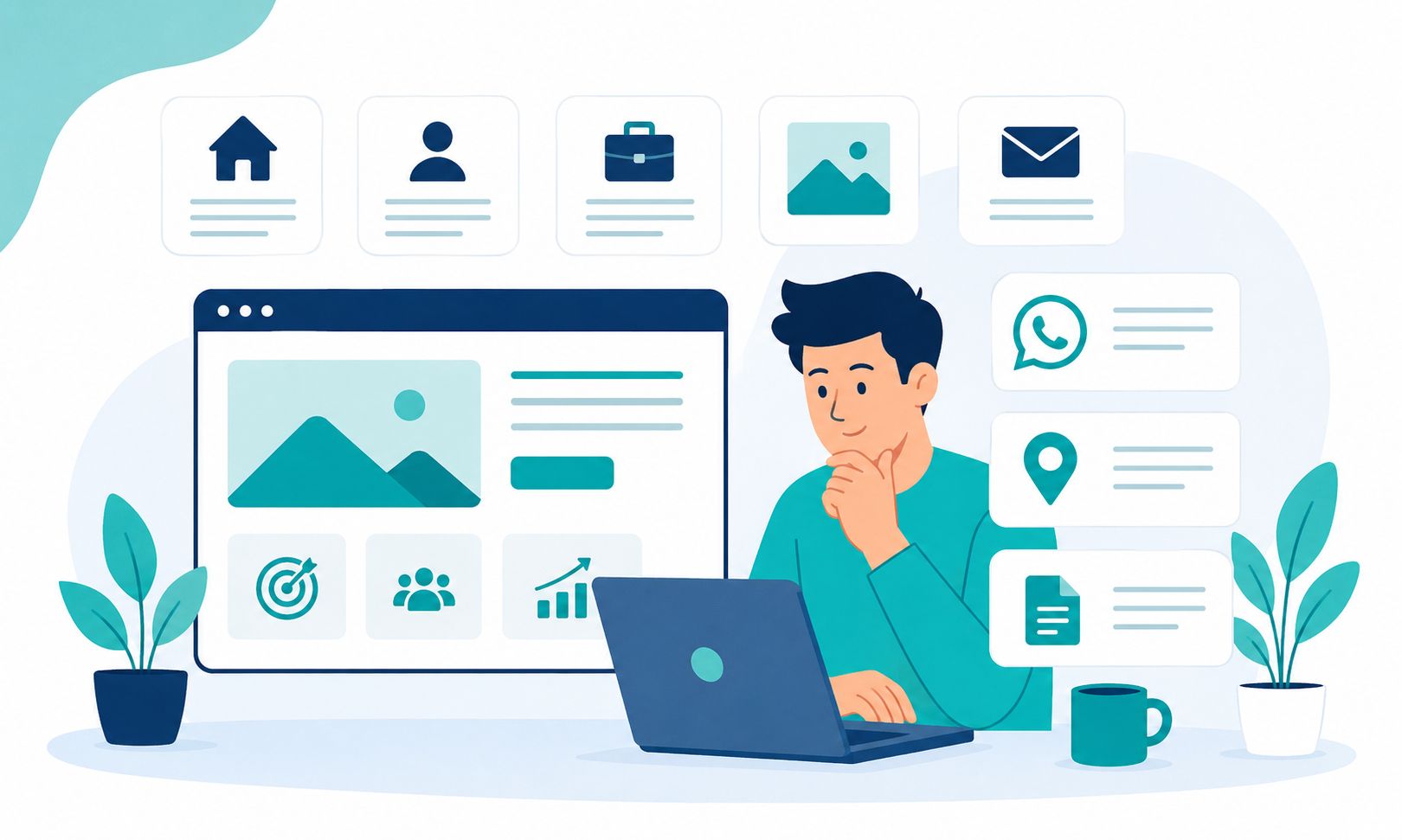
If you are planning to build a website for your small business, you may be wondering:
"What should my website actually include?"
Do you need 5 pages? 10 pages? Should you have a blog? Do you need a portfolio? What about WhatsApp, SEO and enquiry forms?
The truth is that not every business needs a large and complicated website.
What matters more is that your website contains the information and features that help customers understand your business and take action.
In this guide, we look at 15 essential pages and features you should consider when building a small business website in Malaysia.
1. Home Page
Your homepage is often the first page visitors see.
Within a few seconds, visitors should be able to understand:
- Who you are
- What you offer
- Where you operate
- Who your target customers are
- What they should do next
For example, if you provide air-conditioning services in Penang, visitors should be able to clearly see something such as:
Aircond Service in Penang
rather than only seeing a generic slogan that does not clearly explain what your business does.
A good homepage should have a clear headline, a short introduction, your main services and a call-to-action such as WhatsApp or Contact Us.
2. About Us Page
Customers often want to know who is behind a business before they make an enquiry.
Your About Us page can explain:
- Company background
- Experience
- Business values or approach
- Location
- Service areas
- Why customers should choose you
Don't just write:
"We are a company with many years of experience in the industry."
Provide information that actually helps customers understand who you are and what makes your business different.
3. Services Page
If your website represents a business, customers need to quickly understand what services or products you offer.
Your Services page can list your main services such as:
- Web Design
- Aircond Service
- Electrical Services
- Renovation
- Cleaning
- Consulting
Don't only list the service names.
Also explain:
- What is included
- Who the service is suitable for
- What problem it solves
- Service areas
- How customers can request a quotation
For important services, consider creating a dedicated page for each major service.
4. Contact Us Page
Your website may attract many visitors, but if they do not know how to contact you, you may lose valuable opportunities.
Your Contact page can include:
- Phone number
- Business address
- Business hours
- Google Maps
- Enquiry form
Make sure this information is easy to find and not hidden only at the bottom of the website.
You can also place WhatsApp buttons in important areas of the website so customers can contact you more quickly.
5. WhatsApp Button
For many small businesses in Malaysia, WhatsApp is one of the main communication channels used with customers.
For that reason, WhatsApp integration can be a very useful website feature.
For example, your button could say:
WhatsApp Us
or:
Get a Quote on WhatsApp
or:
Contact Us Now
Use a clear call-to-action so customers understand what will happen when they click the button.
6. Portfolio or Projects
If your business depends on the quality of your work, a portfolio can be one of the most important sections of your website.
For example:
- Web designers
- Renovation contractors
- Interior designers
- Photographers
- Event companies
- Inspection companies
- Engineering companies
Customers want to see what you have done before.
Don't just display images.
Where appropriate, explain:
- Project type
- Customer problem
- Solution provided
- Project result
You can see an example of how Nibong Web Studio presents client projects on our Portfolio.
7. Customer Testimonials
Testimonials can help build trust, especially when customers are considering a business they have never used before.
A useful testimonial should provide some context.
For example:
"Our new website is much easier to use and customers can now send enquiries through WhatsApp more easily."
Where permission has been given, it is better when testimonials can be associated with a real customer or business.
Do not use fake testimonials simply to make a website look more convincing.
8. Pricing Information or Quotation Request
Not every business can publish fixed prices.
For example, renovation, engineering, consulting and certain services may depend on the project scope.
In these situations, you can explain:
- Starting prices
- Estimated price ranges
- Factors affecting the price
- How customers can request a quotation
If you have clearly defined packages, consider displaying the package prices openly.
This helps customers determine whether your services are within their budget before contacting you.
For an example of website package pricing, visit the Nibong Web Studio Packages & Pricing page.
9. FAQ or Frequently Asked Questions
An FAQ section helps answer questions that customers frequently ask.
For example:
- How much does it cost?
- How long does the process take?
- Which areas do you cover?
- Do you provide a warranty?
- How do I place an order?
- What payment methods are accepted?
FAQ content can reduce repeated questions and provide important information before customers contact you.
10. Google Business Profile and Location Information
If you operate a local business, location information is very important.
Make sure your website clearly explains:
- Business location
- Service areas
- Address
- Phone number
- Business hours
If you have a Google Business Profile, make sure your key information such as business name, address and phone number is consistent.
You can also include a Google Maps location on your Contact page where appropriate.
11. Basic SEO
A beautiful website does not automatically appear on Google.
If you want your website to have a good SEO foundation, several important elements should be considered.
For example:
- Relevant title tags
- Meta descriptions
- Proper H1, H2 and H3 structure
- Clean URLs
- Internal links
- Relevant image alt text
- XML sitemap
- Mobile-friendly structure
- Good page speed
SEO is not simply about adding as many keywords as possible.
It is a combination of useful content, website structure, technical factors and user experience.
To learn more, read our article about why your business website may not be showing on Google.
12. Mobile-Friendly Website
A small business website should work properly across different screen sizes.
This includes:
- Smartphones
- Tablets
- Laptops
- Desktop computers
Elements such as menus, buttons, images, forms and text should be easy to use on mobile devices.
Don't only test your website on a desktop.
Open it on a real smartphone and perform the actions your customers are likely to perform.
For example:
- Find your phone number
- Click WhatsApp
- Read your services
- View your portfolio
- Submit an enquiry form
13. A Fast Website
Website speed affects the user experience.
Some common things that can make a website slow include:
- Images that are too large
- Too many scripts
- Excessive video
- Too many animations
- Unoptimised assets
Make sure images are optimised and unnecessary elements are reduced.
You can use tools such as Google PageSpeed Insights to identify performance issues.
14. Blog or Content Section
A blog is not essential for every business.
However, for some businesses, a blog can become a valuable marketing asset.
You can write about questions that customers frequently ask.
For example:
- Service selection guides
- Pricing
- Maintenance tips
- Common mistakes
- Guides for new customers
- Frequently asked questions
This gives your articles opportunities to become entry points for people searching for information on Google.
For business owners, a blog can also help build topical coverage around your main services.
See the Nibong Web Studio Blog for an example of how this type of content can support a website.
15. A Clear Call-to-Action (CTA)
A website should not only provide information.
It should also help customers take action.
Examples of useful CTAs include:
- WhatsApp Us
- Get a Quote
- Contact Us
- Book Now
- Request a Consultation
- View Packages
Use a CTA that matches the action you want your visitors to take.
If your main goal is to generate WhatsApp enquiries, don't hide the WhatsApp link in only one place on the website.
Do You Really Need All 15 Things?
No.
This is very important.
You do not necessarily need every feature from day one.
A small business may only need:
- Home
- About
- Services
- Portfolio
- Contact
You can then add:
- FAQ
- Blog
- Landing pages
- Testimonials
- Additional service pages
- E-commerce
as your business grows.
How Many Pages Does a Small Business Website Need?
The number of pages depends on the type of business.
New or small business
Five or six main pages may be enough to get started.
For example:
- Home
- About
- Services
- Portfolio
- Contact
Business with multiple services
You may want dedicated pages for each important service so each one can be explained in more detail.
Business focused on Google traffic
In addition to service pages, you may want to publish blog articles and dedicated content pages that answer customer questions.
E-commerce business
You may need additional structures for products, categories, carts, checkout and order management.
How Can a Small Business Website Help with SEO?
A well-structured website can create more opportunities for your business to appear for relevant searches.
For example, an air-conditioning company might have:
- Aircond Service page
- Aircond Installation page
- Aircond Maintenance page
- Service area pages
- Articles about air-conditioning maintenance
Each page has its own topic and purpose.
This is generally more useful than having one page that tries to target too many unrelated keywords.
Beautiful Website vs Website That Brings Customers
A beautiful website is important.
But a website that genuinely helps a business often needs to do much more.
It should:
- Explain what you offer
- Build trust
- Help customers find information
- Make it easy for customers to contact you
- Support your marketing
- Support Google Search visibility
So when evaluating a website, don't only ask:
"Does the design look good?"
Also ask:
"Does this website help customers make a decision?"
How Much Does It Cost to Build a Small Business Website?
The cost of a website depends on the number of pages, functionality, design and technical requirements.
If you are still unsure about your budget, read our guide:
How Much Does a Website Cost in Malaysia in 2026?
If you are based in Penang, you can also read:
How Much Does Website Design Cost in Penang in 2026?
To understand the process of building a website, read:
How to Create a Website for a Small Business in Malaysia
Example Small Business Website Structure
If you are just starting out, the following structure can be a good foundation:
- Home
- About Us
- Services
- Portfolio / Projects
- Contact Us
You can then add more content and features when needed:
- FAQ
- Testimonials
- Blog
- Additional service pages
- Landing pages
- Gallery
This is often more practical for a small business than trying to build an overly large website from the beginning.
Conclusion
So, what should a small business website include?
You do not necessarily need dozens of pages or complex features.
Start with the fundamentals:
- Clear business information
- Services
- Portfolio where relevant
- Contact information
- Mobile-friendly design
- Basic SEO
- Good website speed
- Clear calls-to-action
Then expand the website as your business grows.
A good website is not about having as many pages as possible.
It is about giving customers the right information at the right time and helping them take action.
Frequently Asked Questions
How many pages does a small business website need?
There is no fixed number. Many small businesses can start with around five main pages such as Home, About, Services, Portfolio and Contact, then add more pages as needed.
Does a small business website need a blog?
Not necessarily. However, a blog can help you publish content that answers customer questions and supports a long-term SEO strategy.
Should I display prices on my website?
Not every business needs to publish fixed prices. If pricing depends on the scope, you can use "starting from" prices, estimated ranges or a quotation request form.
Is WhatsApp important for a business website in Malaysia?
It is very useful for many businesses that handle enquiries directly. WhatsApp can make it easier for customers to ask questions, request quotations and follow up.
Does every website need SEO?
If you want your website to be discovered through Google, at least basic SEO should be considered. This includes heading structure, title tags, meta descriptions, URLs, internal linking, sitemap and other technical elements.
Does a website need lots of images?
No. Use images when they help explain your products, services, projects or customer experience. Too many large images can also affect website performance.
Should I build a large website from the beginning?
Not necessarily. For a new or small business, you can start with a simple structure and add pages or features as your requirements grow.
Want to Build a Website for Your Business?
If you are planning to build a website for a small business, you do not need to start with an overly large website.
What matters is that your website structure fits your business, is easy to use, mobile-friendly and has a good SEO foundation.
Nibong Web Studio helps Malaysian SMEs build professional websites based on their business needs and budget.
You can explore the available packages, view previous projects or contact us to discuss your website requirements.
Ready to build your website?
Tell us about your business and we will recommend the right package.